1. Open the PuTTy application
2. Load a saved session definition by selecting it from the list, hp-TerminalServer in my case (or used default setting for all sessions created in a future)
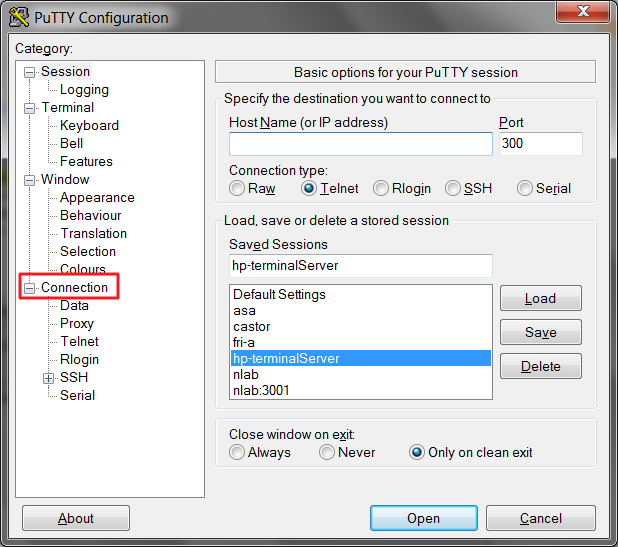
3. Then select Connection from a Category list
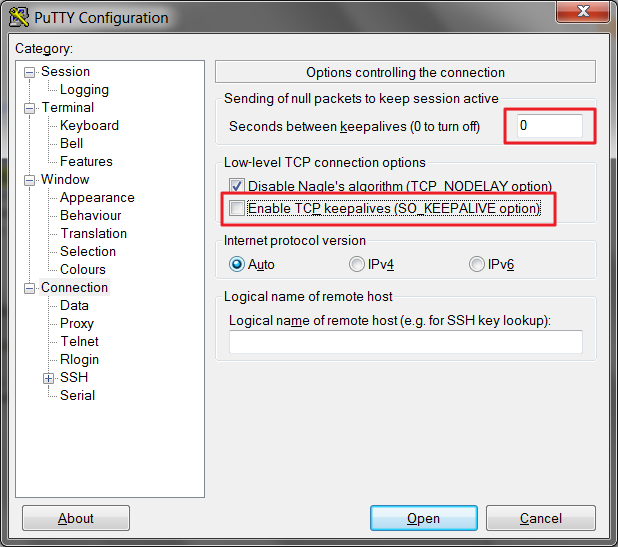
4. In the field Sending null packets to keep session active change the default value from 0 to some value in seconds, for example 900sec (15 minutes) and check the Enable TCP keepalives (SO_KEEPALIVE option) check box.
Note: This option may not be available in older versions of the PuTTY client.
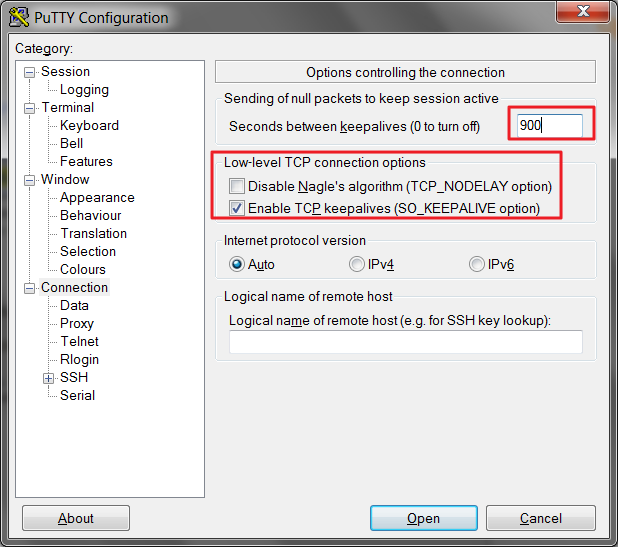
6. Select again Session from the left hand menu and click on the Save button.